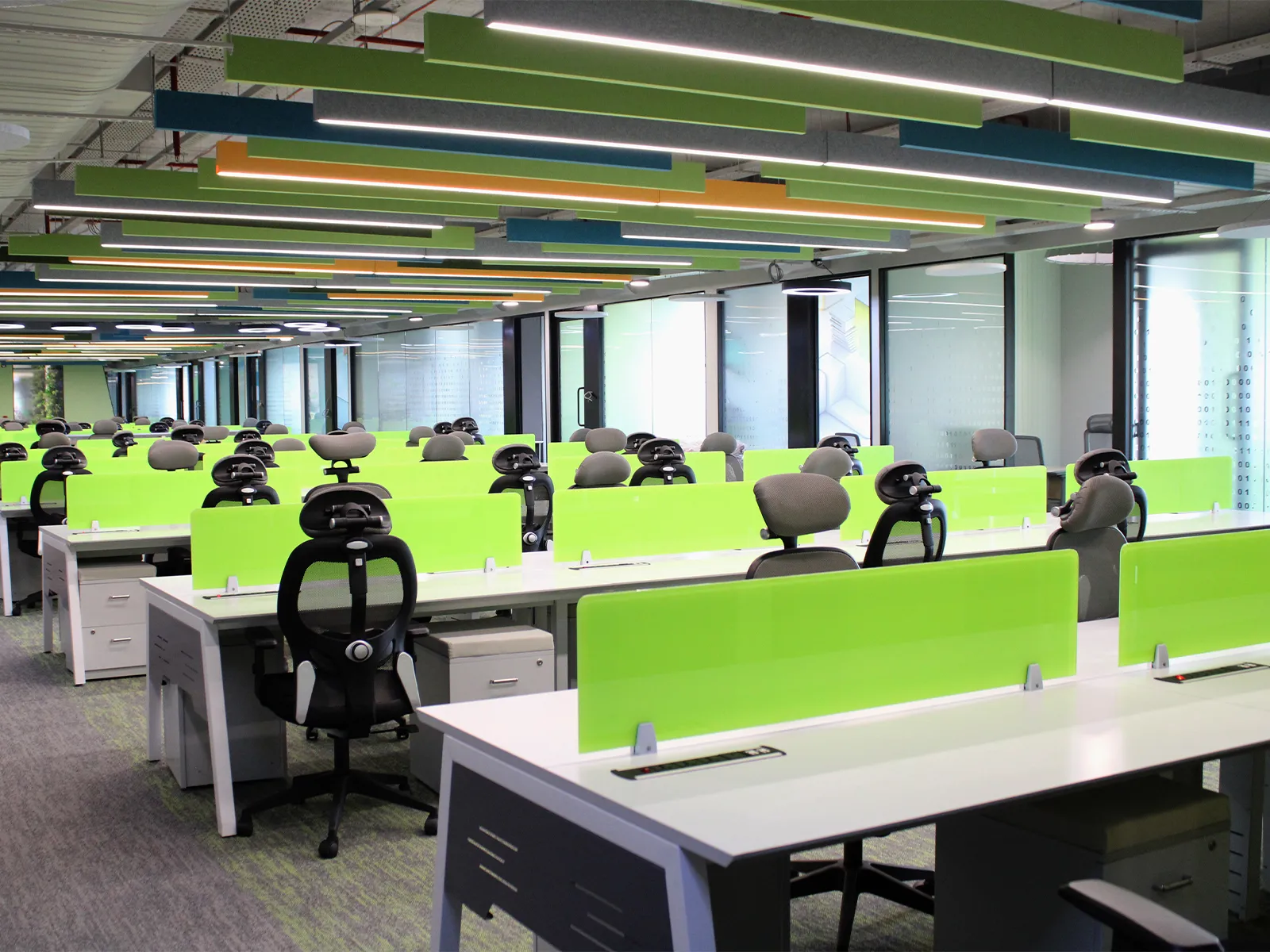
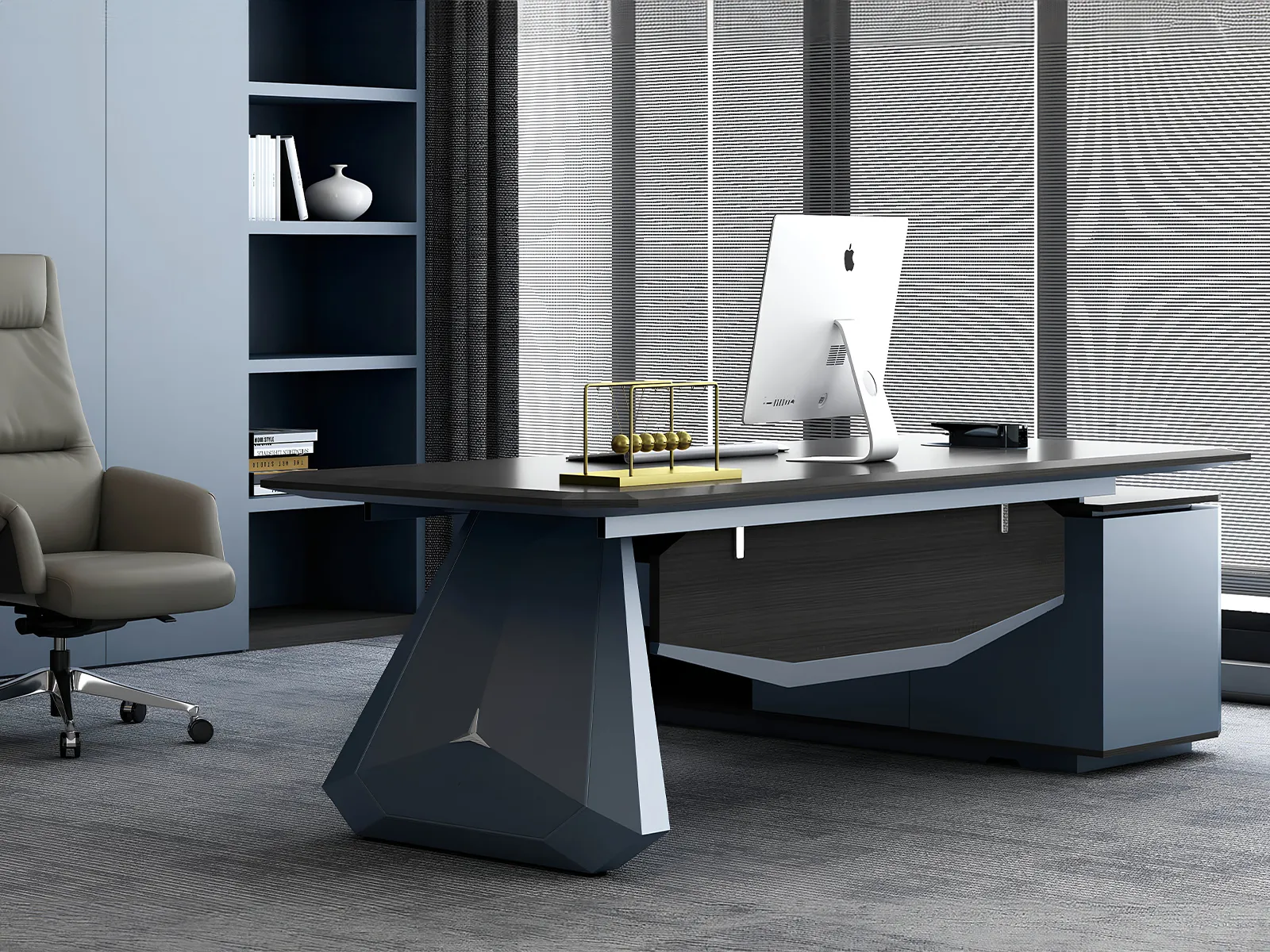

As hybrid work and longer desk hours become the norm across Indian offices, ergonomic workstation setup has shifted from a nice-to-have to a basic requirement. Poor desk ergonomics contribute directly to back pain, wrist strain, and long-term productivity loss — and most of it is preventable with the right setup. Here’s a practical, India-specific guide to getting it right in 2026.
Why Ergonomics Matters More in 2026
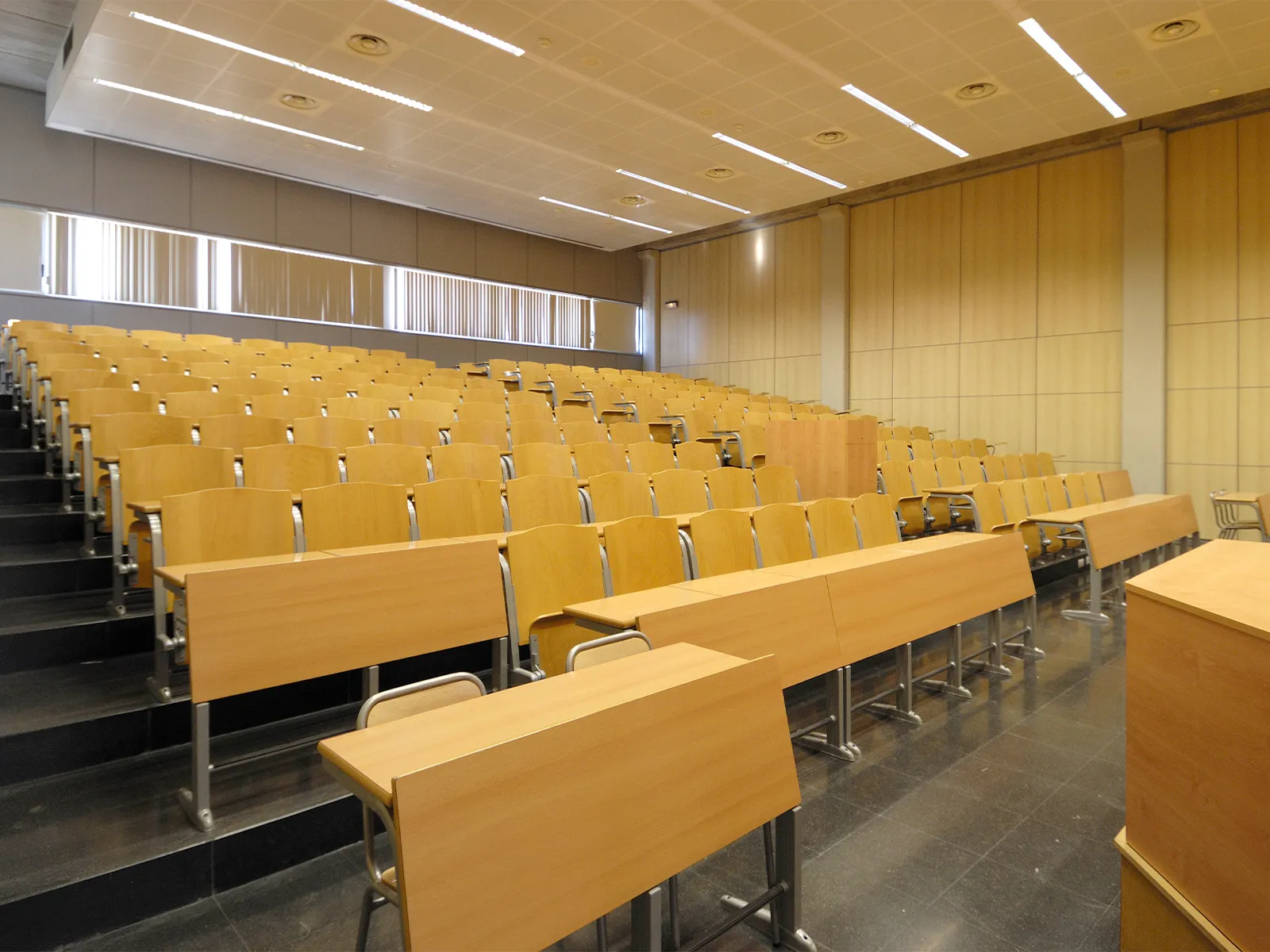
Indian offices are seeing longer average desk hours, driven by hybrid schedules and global client time zones. At the same time, many offices are still using furniture designed decades ago, without adjustability built in. The result is a widening gap between how long people sit and how well their setup supports it — a gap that shows up as absenteeism, discomfort, and reduced focus over time.
The Core Elements of an Ergonomic Workstation
1. Desk Height
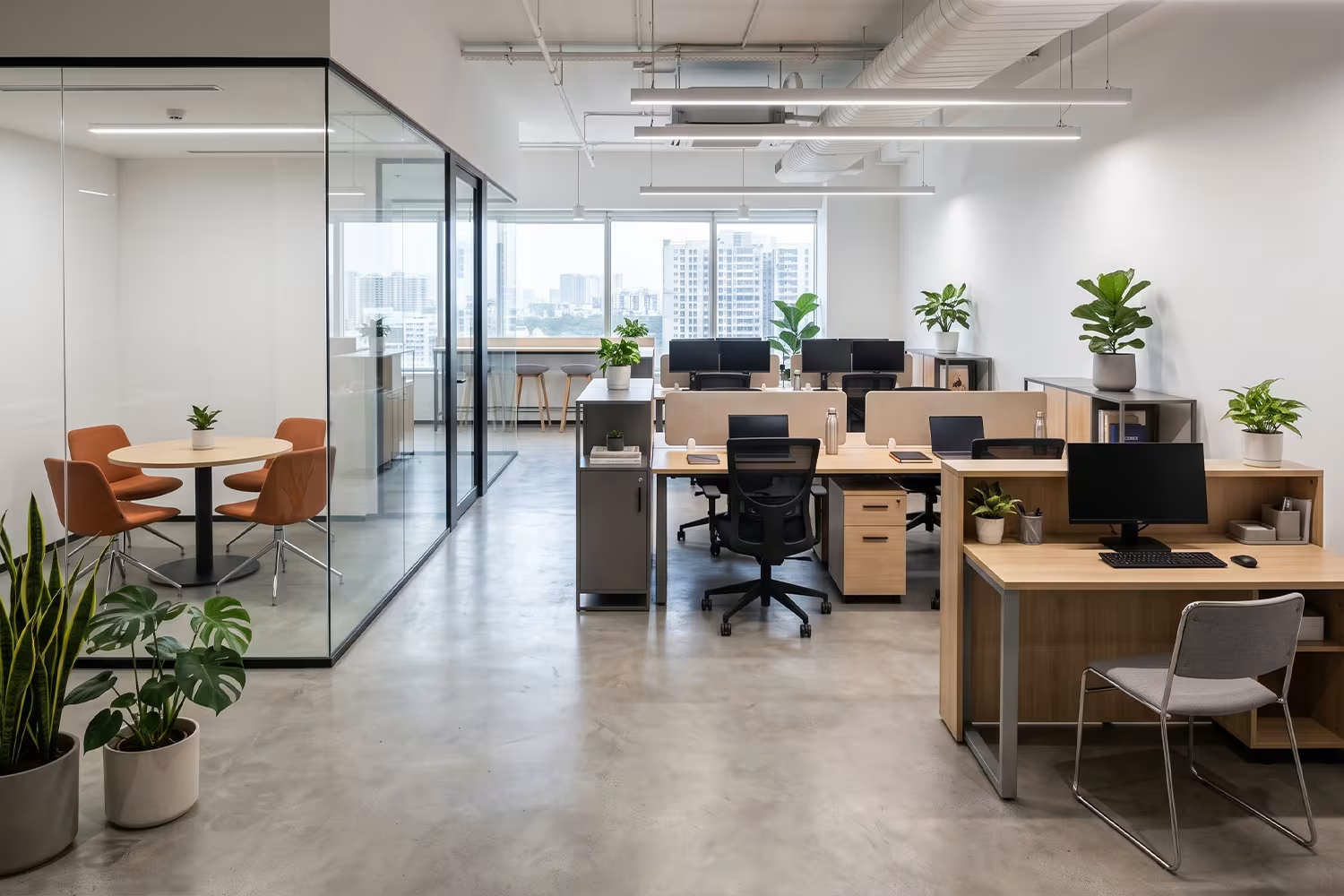
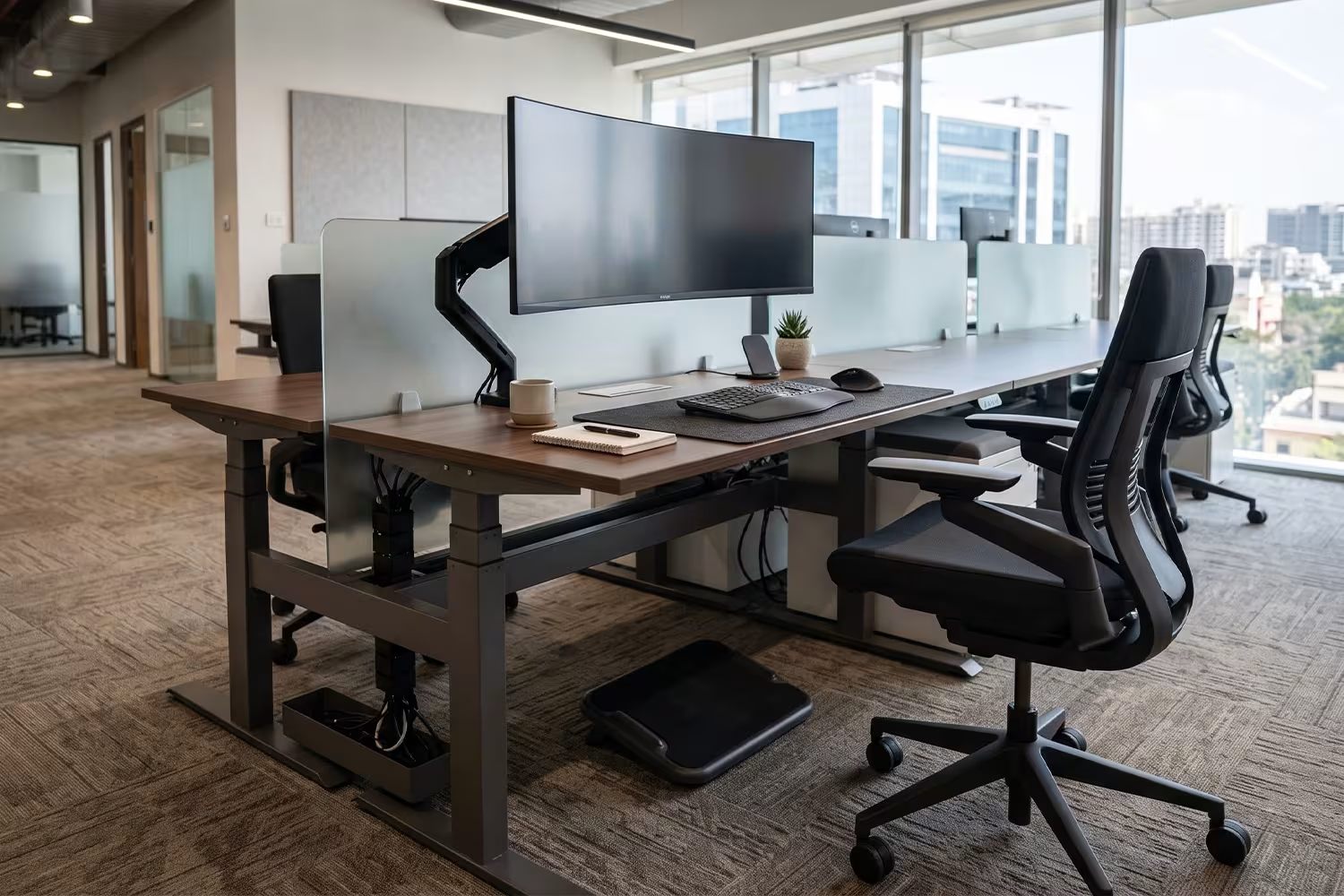
The desk surface should allow your elbows to rest at roughly a 90-degree angle when typing, with forearms parallel to the floor. Fixed-height desks often don’t suit every team member, which is why height-adjustable desks are increasingly common in modern office setups.
2. Chair and Seating Posture
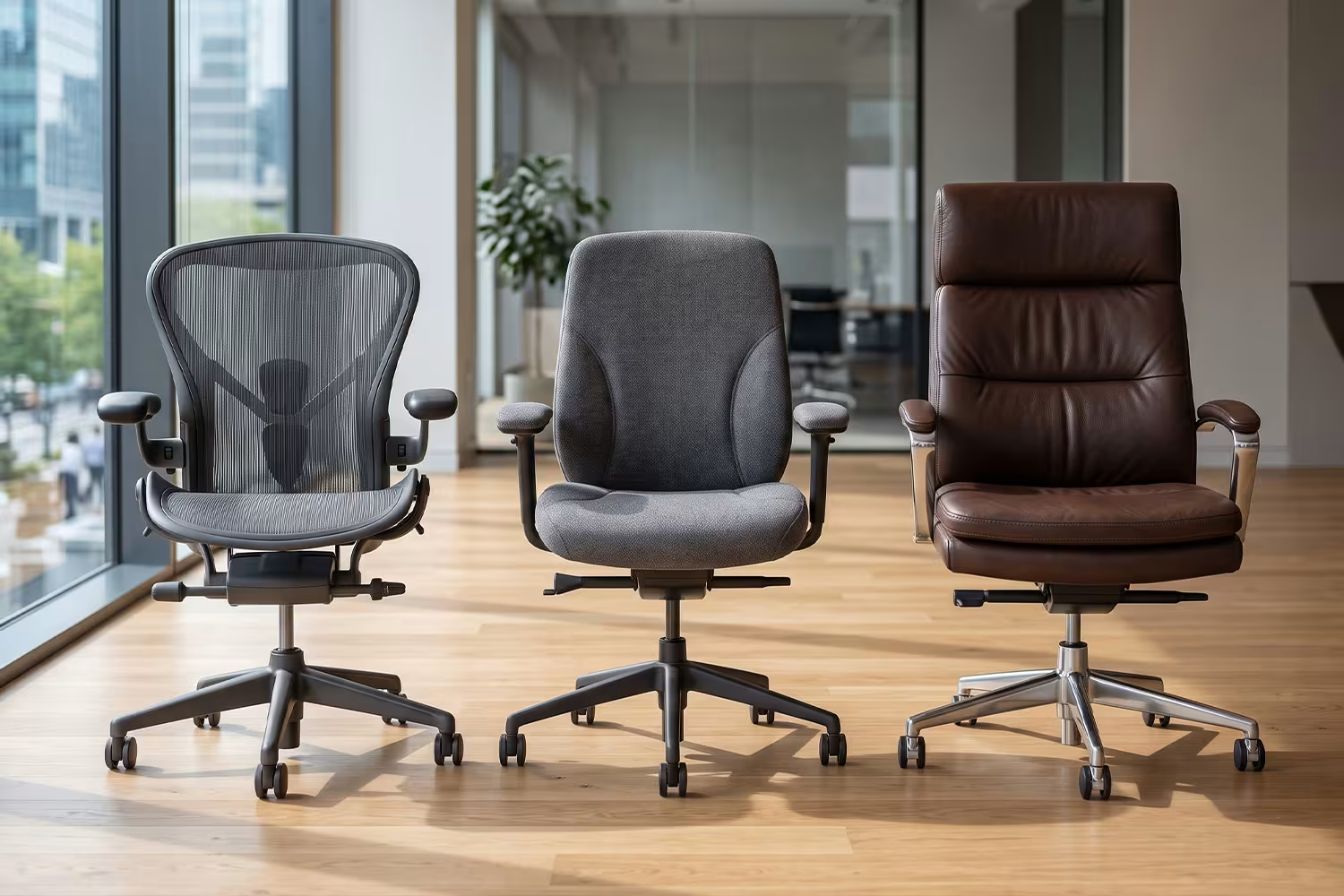
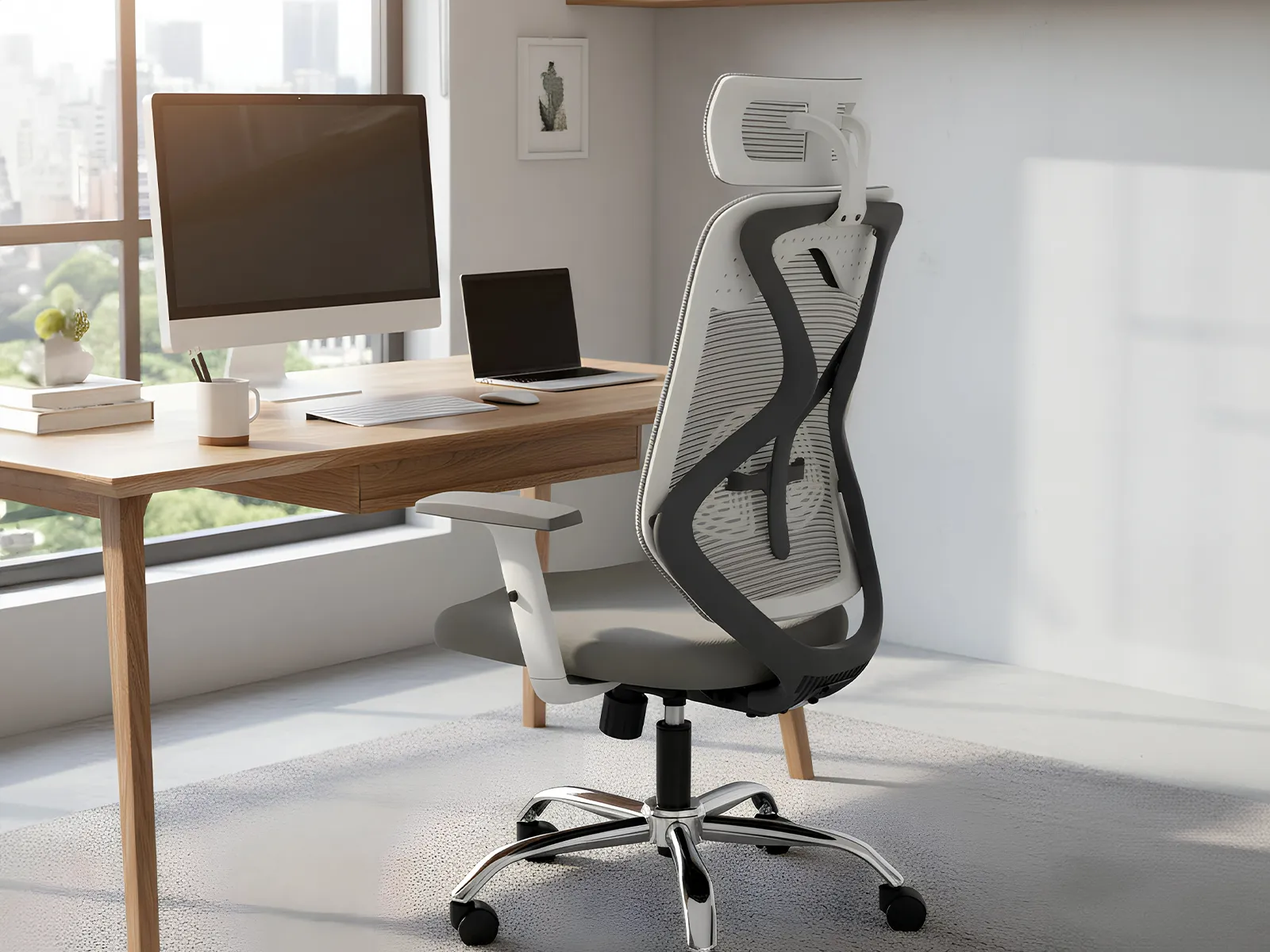
Your chair should support the natural curve of your lower back, with feet flat on the floor (or on a footrest if needed) and thighs roughly parallel to the ground. Lumbar support isn’t optional — it’s the single most important seating feature for preventing long-term back issues.
3. Monitor Position
The top of your screen should sit at or just below eye level, roughly an arm’s length away. Monitors placed too low force the neck into a forward-tilted position for hours at a time, which is one of the most common — and most avoidable — causes of neck strain.
4. Keyboard and Mouse Placement
Keep both close enough that your elbows stay near your body, avoiding reaching forward or sideways repeatedly. Wrists should remain in a neutral, straight position rather than bent upward or downward.
5. Lighting and Glare
Position screens perpendicular to windows rather than directly facing them, reducing glare and the eye strain that comes from constantly adjusting to bright light sources.
A Simple Ergonomic Setup Checklist
- Adjust chair height so feet rest flat on the floor
- Set desk height so elbows form a 90-degree angle
- Position monitor top at eye level, arm’s length away
- Keep keyboard and mouse close, wrists neutral
- Add lumbar support if your chair doesn’t include it
- Reduce glare by positioning screens away from direct light
- Take short movement breaks every 45–60 minutes
Choosing Furniture That Supports Ergonomics by Default
Rather than relying on individual habit alone, the most effective fix is furniture that’s ergonomic by design:
- Height-adjustable desks remove the guesswork for different employee heights
- Chairs with adjustable lumbar support, armrests, and seat depth accommodate a wider range of body types
- Monitor arms allow quick height and angle adjustments without repositioning the whole desk
Investing in this furniture upfront is typically far cheaper than the long-term cost of absenteeism or health-related productivity loss.
FAQ
What is the ideal desk height for ergonomic seating?
Desk height should allow elbows to rest at roughly a 90-degree angle while typing, which varies by individual height — this is why adjustable desks are increasingly recommended over fixed-height ones.
Do Indian offices need different ergonomic standards than Western offices?
The core ergonomic principles are universal, but furniture sizing matters — desks and chairs designed with Indian average body proportions in mind tend to fit more comfortably than imported standard sizing.
How often should employees take breaks from their workstation?
A short 2–5 minute movement break every 45–60 minutes is generally recommended to reduce the strain of prolonged sitting.
Ready to upgrade your office to ergonomic standards? Explore Polestar’s Workstation and Seating ranges, designed with adjustability built in.